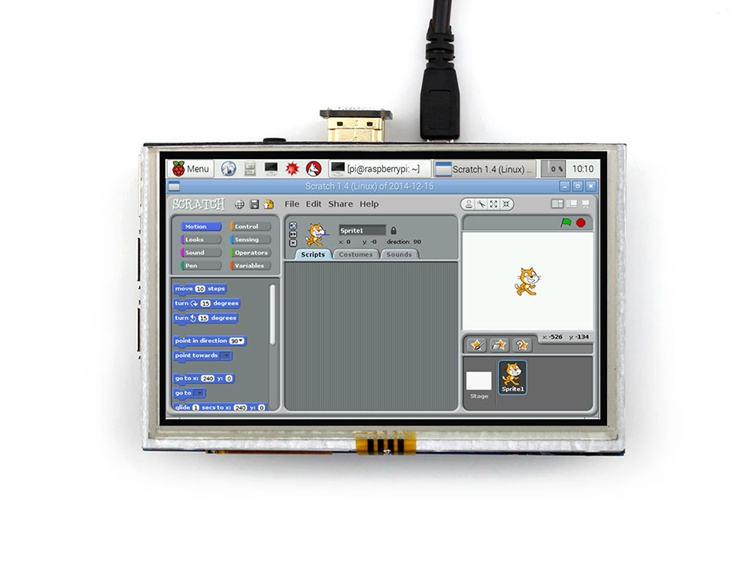
Great screen at a great price point! I had some trouble getting the touch to work properly though, especially around the lower left and right corners, but I stumbled upon this page: http://archlinuxarm.org/forum/viewtopic.php?f=60&t=9246&sid=d674a95bb7733482fc6112fc93f257df that shed some light on the matter. Basically, you begin by modifying the /boot/config.txt file as errol described above, like so: hdmi_group=2 hdmi_mode=87 hdmi_cvt 800 480 60 6 0 0 0 I omitted the hdmi_force_hotplug part because it isn’t strictly necessary, and also the hdmi_mode=1 part because you’re resetting the hdmi_mode to 87 on the next line anyway. With the dtoverlay…. line above, the pointer kept jumping about even after changing xohms to 400 (at which point it didn’t even register touches at all, so I brought it down to 150 again), so I adjusted the line to look like this: dtoverlay=ads7846,speed=50000,penirq=25,penirg_pull=2,xohms=150,pmax=255,cs=1 And it worked beautifully. I’m running a vanilla install of Raspbian Jessie (the February 2016 version) and I installed xinput_calibrator from here: http://adafruit-download.s3.amazonaws.com/xinput-calibrator_0.7.5-1_armhf.deb TL;DR 1) Modify /boot/config.txt to include the following lines: hdmi_group=2 hdmi_mode=87 hdmi_cvt 800 480 60 6 0 0 0 dtoverlay=ads7846,speed=50000,penirq=25,penirg_pull=2,xohms=150,pmax=255,cs=1 2) Install xinput_calibrator to calibrate the touchscreen Tested working on Raspbian Jessie (February 2016)